 FlowTask
Boards your way
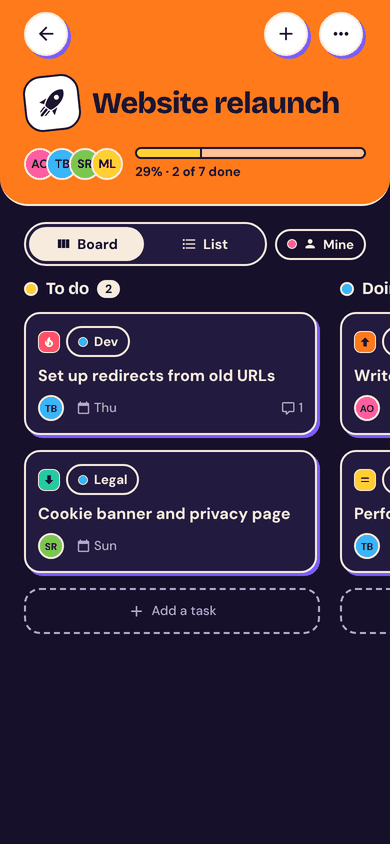
A column for every step of your workflow, or start from Simple, Team, Content or Bugs. Long-press a card to move it.
Boards with your own workflow, tasks for teammates, @mentions and comments, and changes on everyone's phone in a second. Even offline.
Android 8.0+ · Free · Installs outside the Play Store (here's how ↓)
Project and task management for small teams, made for phones. Boards, assignments, @mentions, live sync and offline mode.
A column for every step of your workflow, or start from Simple, Team, Content or Bugs. Long-press a card to move it.
Invite people with a 10-character code, set roles, and switch between workspaces.
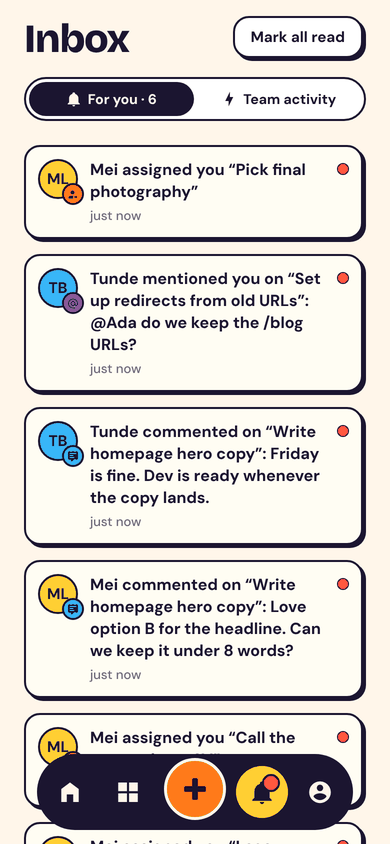
Comments in chat bubbles, with @mentions that land in the right person's inbox.
Push notifications when you're assigned, mentioned, or a task you made is done.
Changes are saved on the phone first and sync the moment you're back online. Nothing is lost or applied twice.
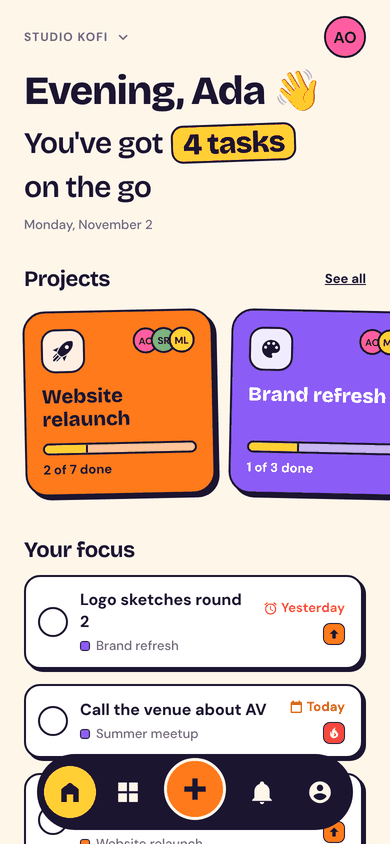
Tap the big round checkbox: it pops, sends a burst of confetti and buzzes.
FlowTask isn't on the Play Store yet, so you install the APK directly. It takes three taps.
Project boards your whole team actually opens. Free, v1.0.0, 98 MB.