 Sortify
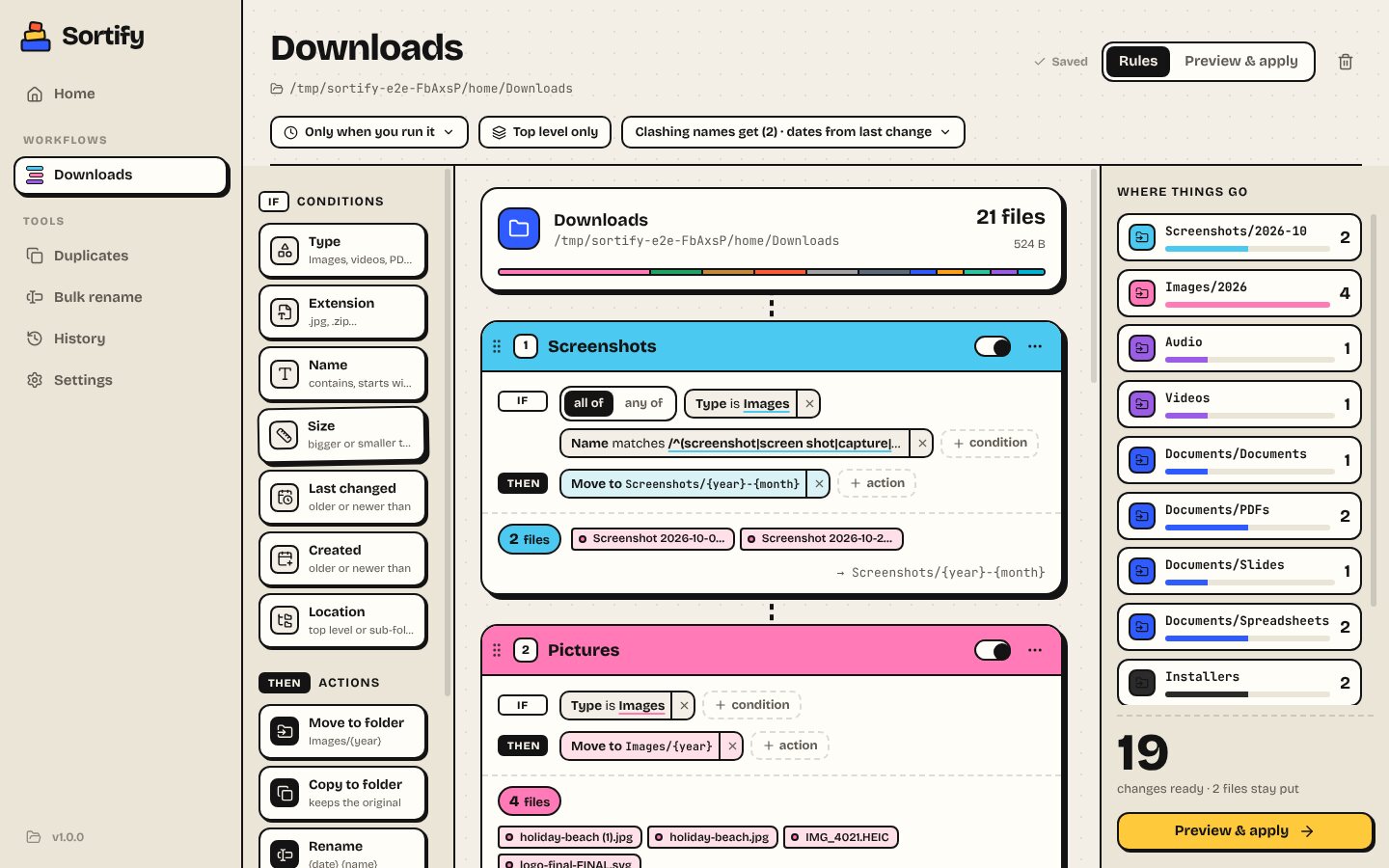
Build rules by dragging blocks
Conditions like Type, Name or Age, actions like Move, Rename or Trash. Drag them onto rule cards and watch each rule count the files it catches, live.
Build your rules by dragging blocks. See exactly what will move before anything does. Undo it all with one click. Downloads, Desktop, Documents: sorted.
Windows 10 & 11, 64-bit · Free · Not code-signed yet (here's how to install ↓)
An intelligent file organiser for Windows with a visual rule builder, preview before applying, undo, duplicate finder, bulk rename and schedules.
Conditions like Type, Name or Age, actions like Move, Rename or Trash. Drag them onto rule cards and watch each rule count the files it catches, live.
See every move grouped by destination, untick what should stay, then apply.
Every run is journalled. One click puts every file back, and removes the folders it made.
Finds identical files by their contents, keeps the original, and sets the copies aside.
Patterns, counters, find and replace with regex, and a live diff of every new name.
Tidy as files arrive (it waits for downloads to finish), every few hours, or daily.
Sortify comes as a standard Windows installer. Here's the one extra click you'll need.
Messy folders in, tidy folders out. Free, v1.0.0, 115 MB.