 MediaVault
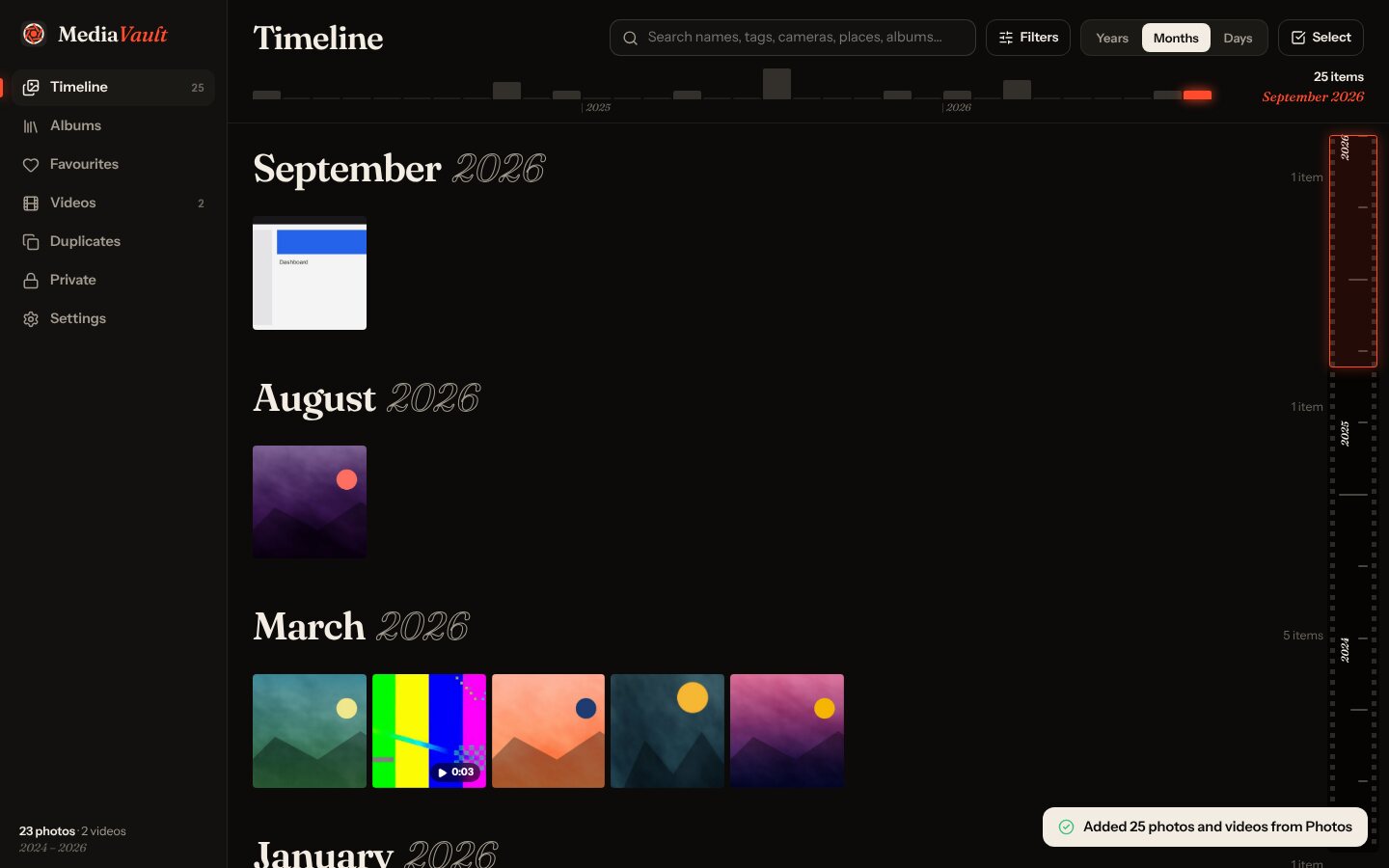
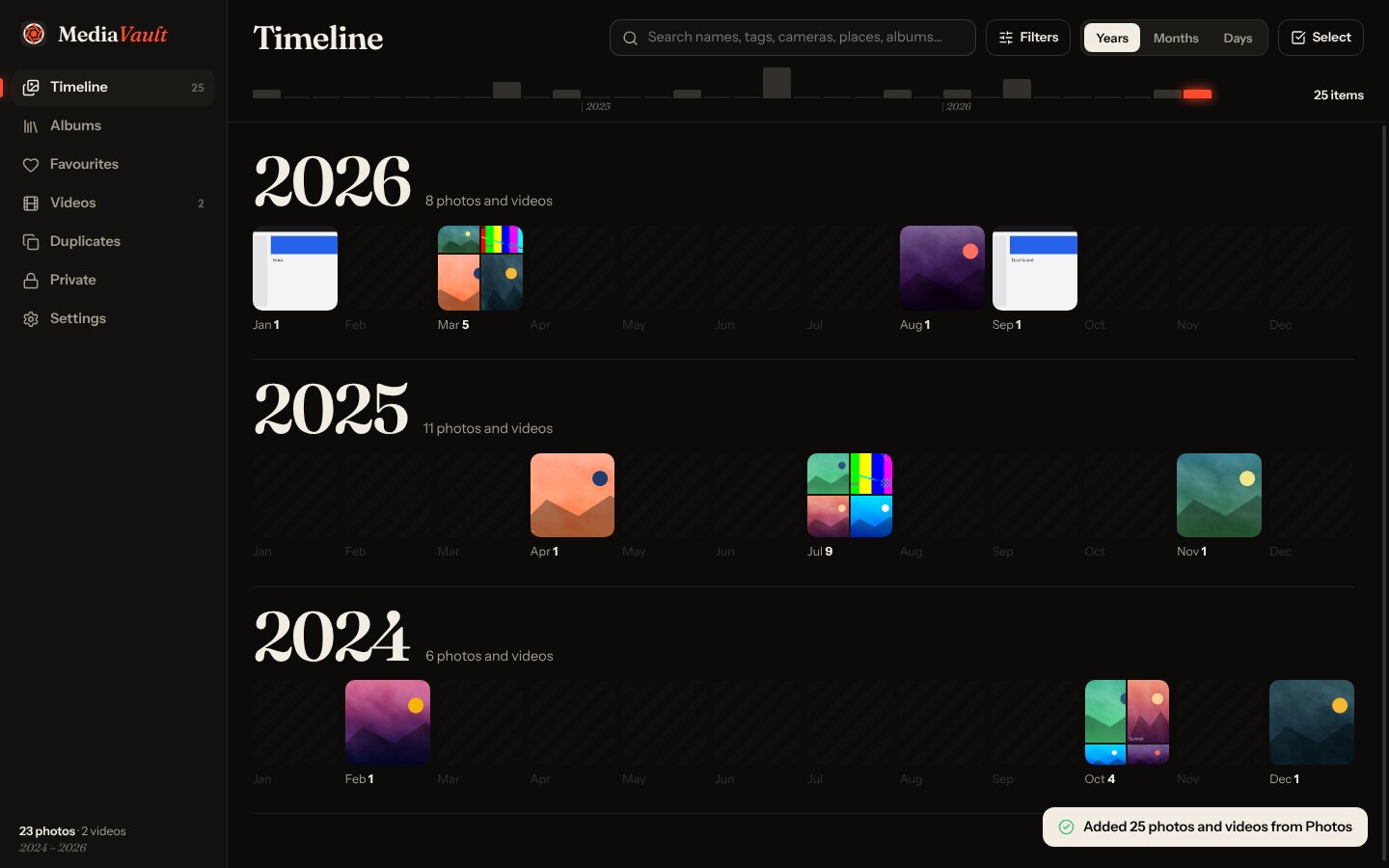
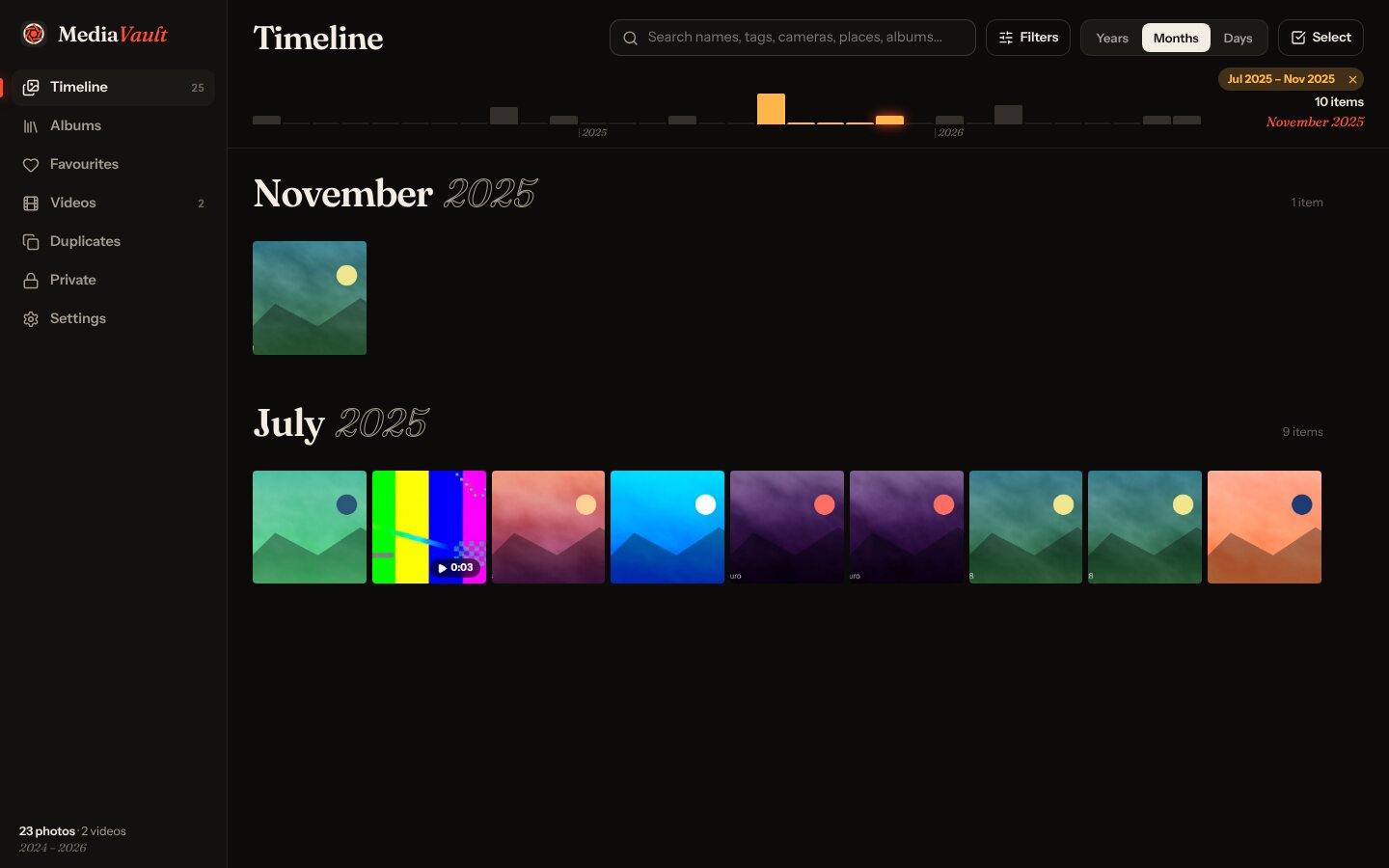
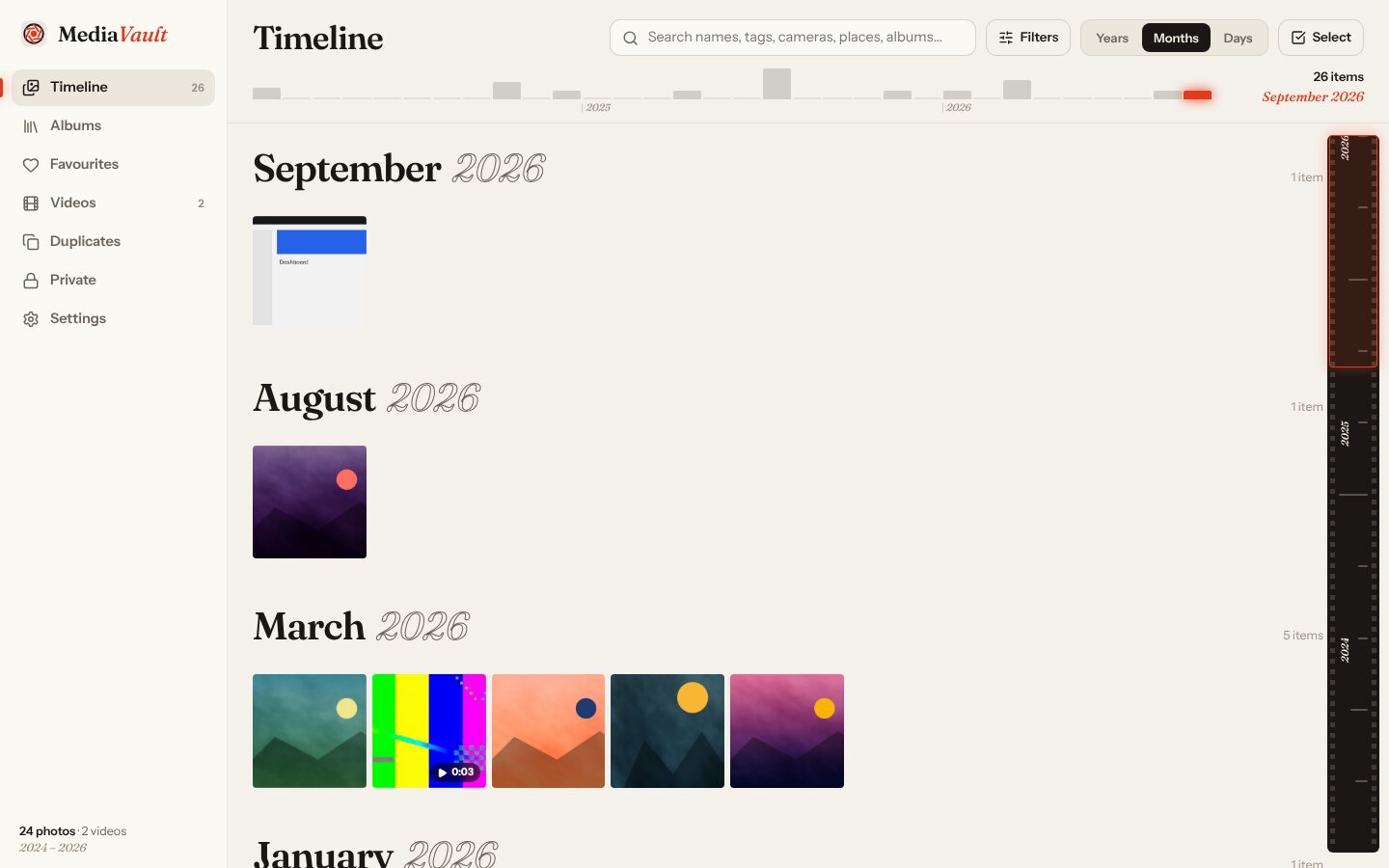
A timeline you can zoom
Years at a glance as contact sheets, then months, then days. A film-strip scrubber down the side, and a density strip across the top: drag across it to see just that stretch of time.
Point MediaVault at your photo folders. It reads dates, cameras and places, finds your trips, spots duplicates and keeps watching for new pictures. Your files never move.
Windows 10 & 11, 64-bit · Free · Not code-signed yet (here's how to install ↓)
A personal photo and video organiser for Windows. A visual timeline, automatic trip albums, EXIF details, duplicates, tags and an encrypted private vault.
Years at a glance as contact sheets, then months, then days. A film-strip scrubber down the side, and a density strip across the top: drag across it to see just that stretch of time.
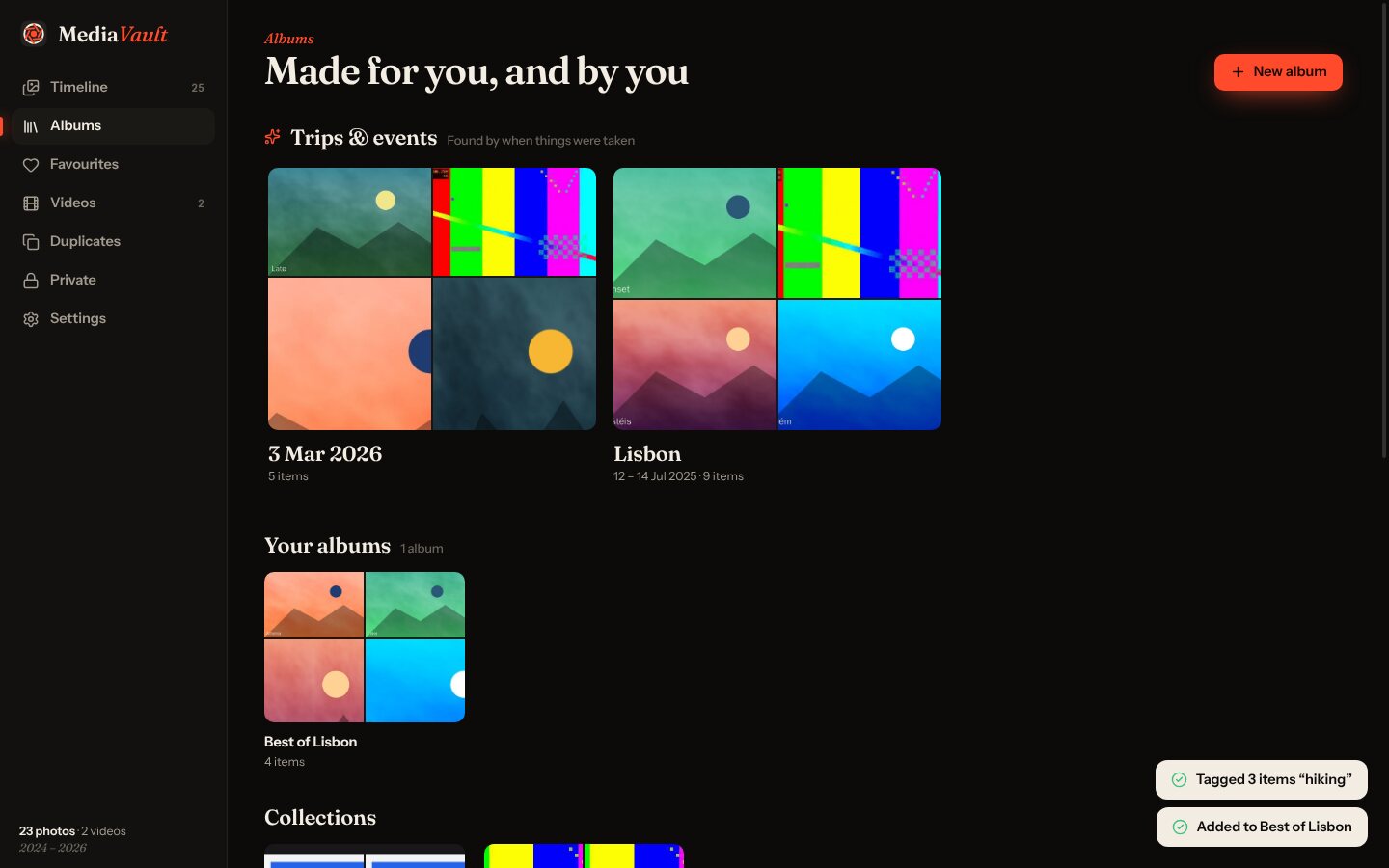
MediaVault spots trips and events by when photos were taken, and names them from their folders.
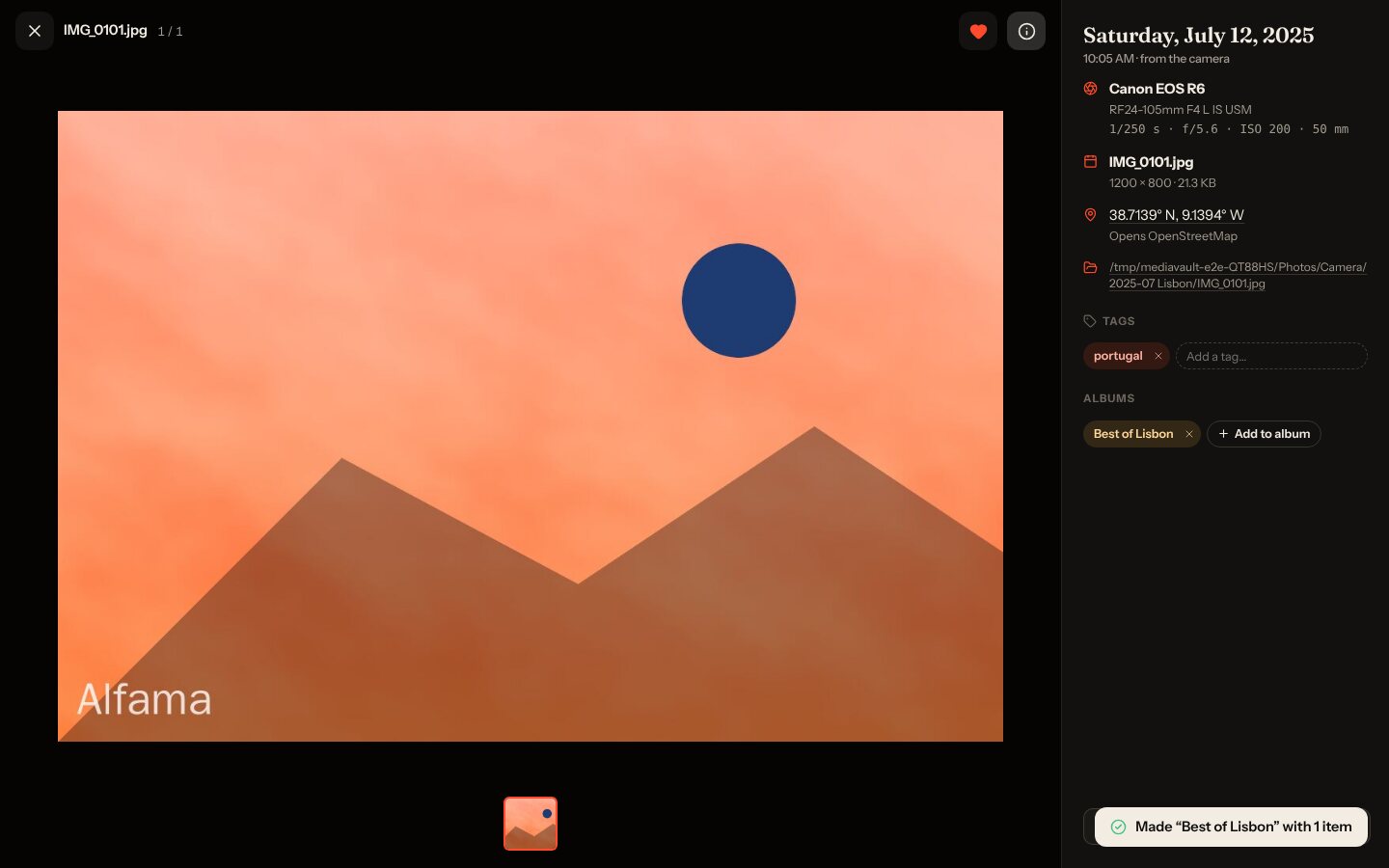
Date taken, camera, lens, exposure and GPS from EXIF, and recording dates from videos.
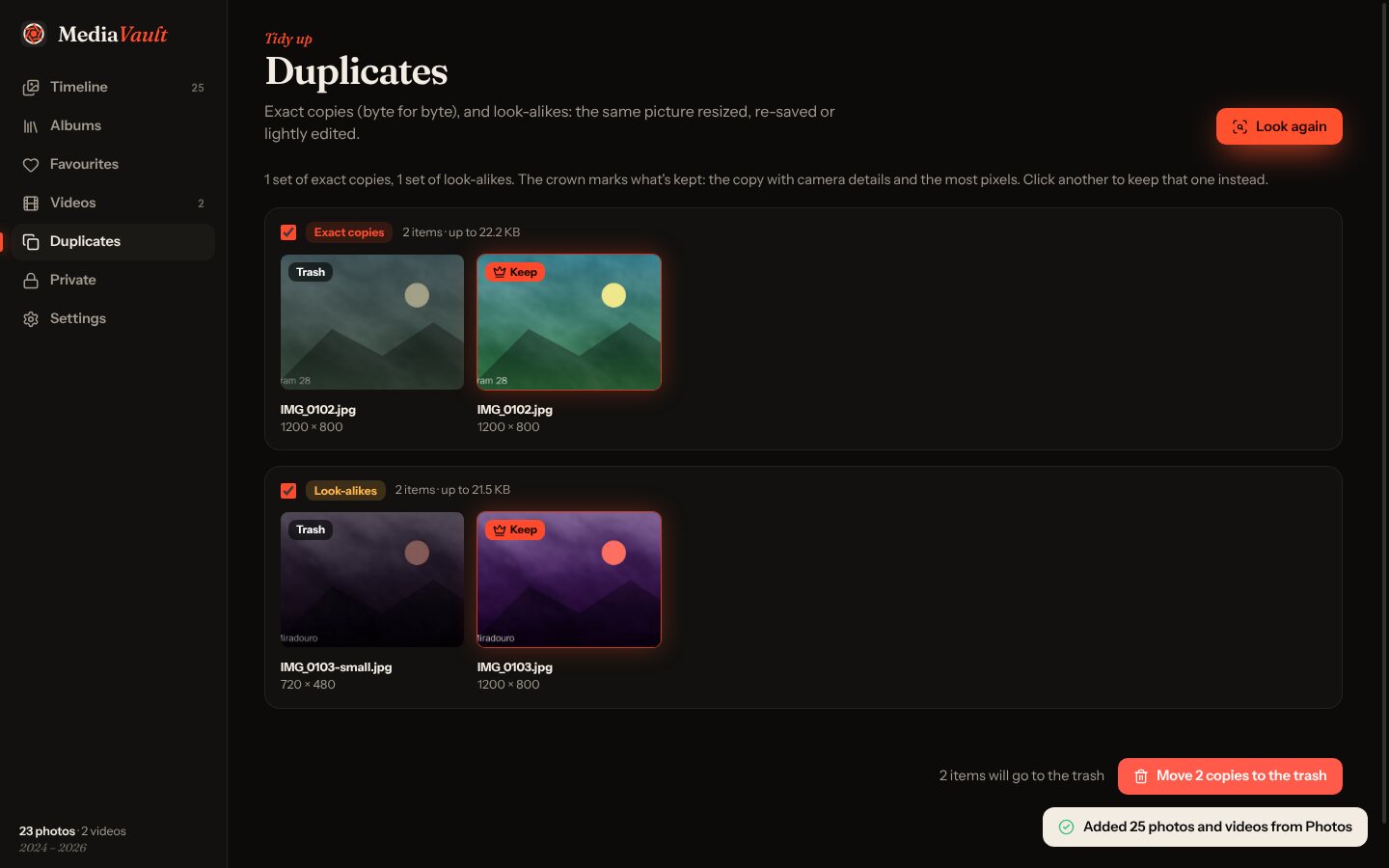
Byte-for-byte copies, and resized or re-saved versions of the same picture.
Search names, tags, cameras, places and albums, with filters that combine.
Encrypted with your passphrase, hidden everywhere else. Videos still play straight from the vault.
MediaVault comes as a standard Windows installer. Here's the one extra click you'll need.
Every photo you've ever taken, on one timeline. Free, v1.0.0, 116 MB.